
In a major update that Gmail users have been waiting for years, Google has started rolling out a new feature that allows user to change their Gmail username ( the part before @gmail.com) without creating a new Google account. Earlier, once a Gmail ID was created, the username was permanent. This update marks a big …
Latest Gmail update: Users can Now Change Their Gmail usernames
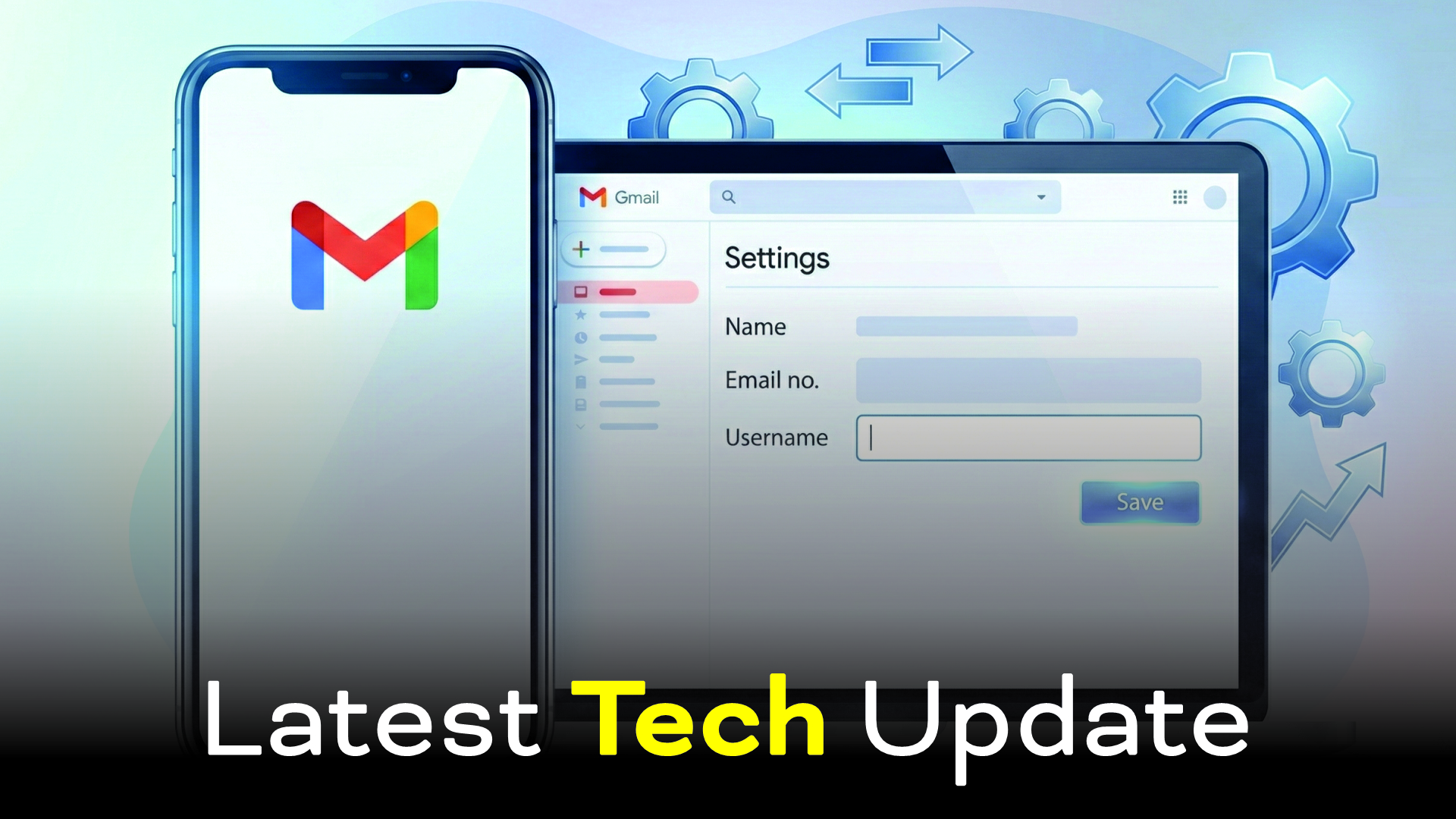
In a major update that Gmail users have been waiting for years, Google has started rolling out a new feature that allows user to change their Gmail username ( the part before @gmail.com) without creating a new Google account. Earlier, once a Gmail ID was created, the username was permanent. This update marks a big shift in Google’s Gmail policy.
However, this feature comes with strict rules and limitations to ensure security and prevent misuse.
What exactly has changed?
User can now change their primary Gmail username.
All existing data, such as emails, Google Drive files, contacts, calendar events, YouTube history, and subscriptions, remains safe.
The change does not delete or reset the Google account.
Official Rules & Regulations:
1. Limited availability.
The feature is not available for everyone yet.
Google is rolling it out gradually.
Some users (including in India) may see it first, while others may need to wait.
2. Change limit
You cannot change your Gmail username frequently.
Google allows the change only once in a long time(a cool-down period may be 6-12 months).
This rule exists to prevent fraud, impersonation, and spam.
3. Old Email Address Handling
Your old Gmail address may continue working as an alias.
Emails sent to your old address may still arrive in your inbox.
However, you cannot reuse the old username to create a new Gmail account later.
4. Username availability Rules
The new Gmail username must:
Be unique
Follow Gmail’s naming rules ( no special symbols except dots)
Not already taken.
Usernames linked to abuse, spam, or policy violations may be blocked.
5. Account type restrictions
This feature may NOT be available for:
Google Workspace (company or school) accounts.
Supervised child accounts.
Accounts linked to business domains
Accounts with security or policy violations.
6. Security verification is mandatory
Google will require:
- Password confirmation
- 2- step verification ( if enabled )
- Identity verification prompts
This is done to protect users from hacking or forced changes.
7. No impact on Login & Services
After the change:
- You can log in using the new Gmail address
- Google services continue normally
- Third-party app access may need re-verification
8. Irreversible in some cases
Once confirmed, you may not be able to revert immediately.
Google clearly warns users before a final submission.
Latest Gmail update: Users can Now Change Their Gmail usernames